Where flowcharts go wrong
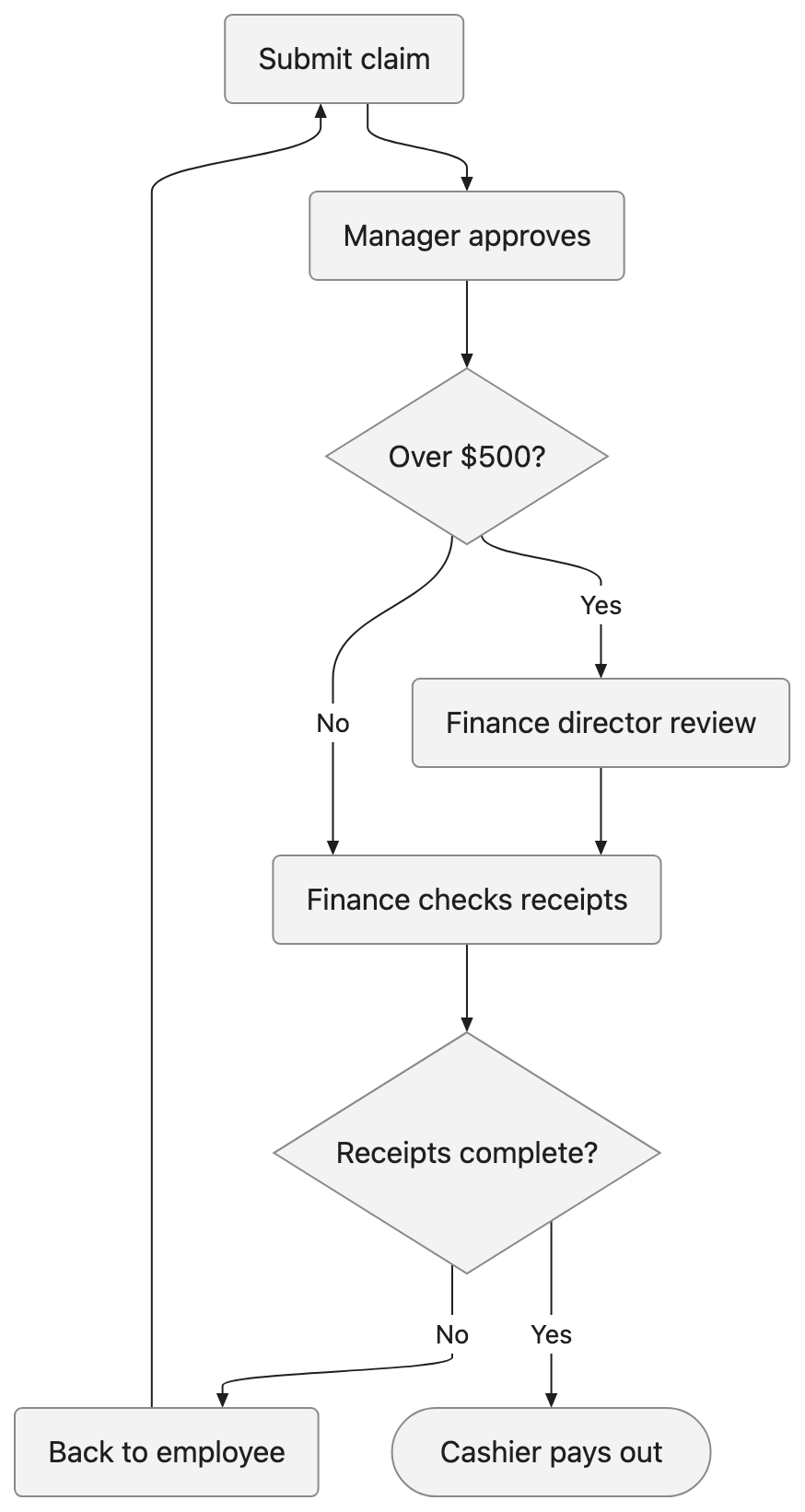
Not in the arrows. In the number of decisions. Prose describes a process with exceptions (“unless the amount is over the limit, in which case…”), and a generator that flattens those into one straight line produces a diagram that is confidently wrong.
The other failure is the missing exit. Every decision needs a way out on both sides; a branch that ends nowhere is usually a part of the process nobody has written down yet — which is worth knowing, and worth showing.
What the diagram keeps
Steps stay in the order the text gives them, decisions stay decisions (diamonds, two labelled exits), and each step keeps its source sentence so a reviewer can check it without hunting through the paragraph.
Parallel work stays parallel rather than being forced into a queue, and a step that only happens in an exception is attached to the branch that causes it, not to the main line.
Then it goes into the document
Export to Word or PDF for the document it belongs to, PNG for a slide, SVG if it will be resized. The Mermaid source stays in the document, so a renamed step is an edit rather than a redraw.
Questions this page gets
What if my text is only a rough description?
Then the flowchart will be rough in the same places, with the gaps marked. That is usually more useful than a polished diagram of a process nobody has actually defined — the marks are the list of things to decide.
Can I edit the flowchart afterwards?
Yes, by editing the Mermaid source in the document: rename a step, move a branch, delete an invented one. The export redraws from the edited source.
Does it need an account?
The AI step needs a free account (50 credits a week). Editing and exporting do not.
Where to go next
- The built-in pen — make the same mind map or flowchart at the cursor, inside the document.
- Writing with AI — the eight moves in context, including what a selection actually does.
- The editor itself — every block type, the Markdown each one saves, and what survives export.
- Working on a Mac? The MindMax desktop app opens the same documents from Finder.